
HTML DOM console.assert() 方法
htmlweb developmentfront end technology更新于 2025/9/23 16:44:17
HTML DOM console.assert() 方法用于仅当传递给它的第一个表达式为 false 时才向控制台写入消息。这些消息旨在供用户查看。表达式和显示的消息分别作为第一个和第二个参数发送给 console.assert() 方法。
语法
以下是 console.assert() 方法的语法 −
console.assert(assertion,msg);
此处,断言是返回布尔值 true 或 false 的任何表达式。msg 是 JavaScript 字符串或对象。断言必须为 false 才能在控制台上显示消息。
示例
让我们看一个 console.assert() 方法的示例 −
<!DOCTYPE html>
<html>
<body>
<h1>console.assert example</h1>
<p>To view the message press F12 on the keyboard and go to the console tab.</p>
<script>
console.assert(document.getElementById("Sample"), "You have no element with ID 'Sample'
in this document");
</script>
</body>
</html>
输出
这将产生以下输出 −
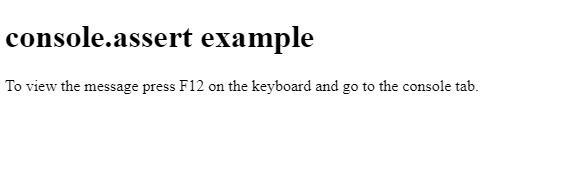
在开发者工具的控制台选项卡中,您将看到以下 −

在上面的例子中 −
我们使用了 console.assert() 方法和 getElementById() 方法来获取与其关联的 ID 为"Sample"的元素。由于我们的 HTML 文档中没有该元素,因此它将返回 false。
第二个参数接收的消息仅在第一个参数返回 false 时才会显示。在我们的例子中,消息为"您没有 ID 为"Sample"的元素"在此文档中",显示在控制台中" −
console.assert(document.getElementById("Sample"), "You have no element with ID 'Sample' in this document");
相关文章
有用资源
html 参考教程 - 该教程包含有关 html 的更多信息:https://www.cainiaomax.com/html/

