使用 Selenium Python 下载图片
seleniumautomation testingtesting tools更新于 2026/2/2 14:22:17
我们可以使用 Python 中的 Selenium webdriver 下载图片。首先,我们需要借助 id、class、xpath 等定位符来识别需要下载的图片。
我们使用 open 方法以写入和二进制模式(用 wb 表示)打开文件。然后使用 screenshot_as_png 方法截取待截取元素的屏幕截图。
最后,使用 write 方法将截取的图片写入打开的文件。让我们尝试下载包含以下 html 元素的图像 −
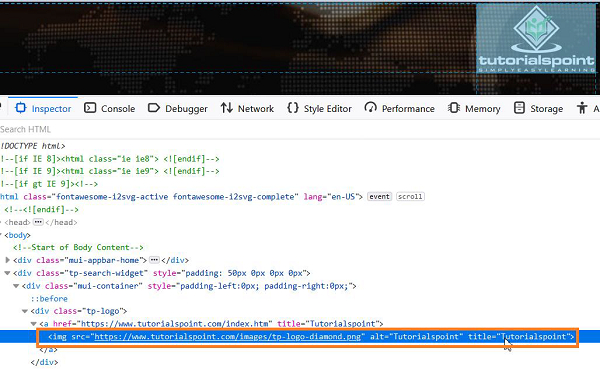
语法
with open('Logo.png', 'wb') as file:
file.write(driver.find_element_by_xpath('//*[@alt='I']').screenshot_as_png)
示例
from selenium import webdriver
#set chromedriver.exe path
driver = webdriver.Chrome(executable_path="C:\chromedriver.exe")
driver.implicitly_wait(0.5)
#最大化浏览器
driver.maximize_window()
#启动 URL
driver.get("https://www.tutorialspoint.com/index.htm");
#以写入和二进制模式打开文件
with open(&39;Logo.png&39;, &39;wb&39;) as file:
#识别要捕获的图像
   l = driver.find_element_by_xpath(&39;//*[@alt="Tutorialspoint"]&39;)
#写入文件
  file.write(l.screenshot_as_png)
#关闭浏览器
driver.quit()
输出
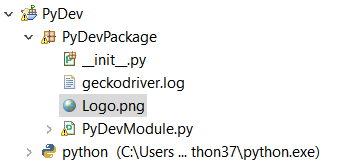
项目文件夹中创建了 Logo.png 文件。
打开文件 −