
使用 Selenium WebDriver 获取当前页面的 URL。
seleniumautomation testingtesting tools更新于 2026/1/8 6:52:17
我们可以使用 Selenium WebDriver 获取当前页面的 URL。这可以通过 getCurrentUrl() 方法实现。该方法会获取已打开应用程序的 URL。此方法不接受任何参数,并以字符串形式将 URL 转换为字符串。
语法 −
String strUrl = driver.getCurrentUrl();
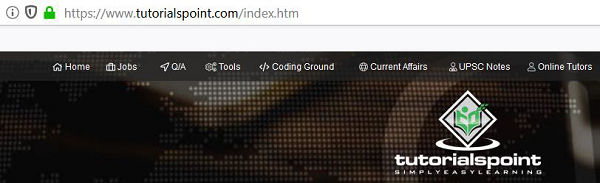
示例
代码实现。
import org.openqa.selenium.By;
import org.openqa.selenium.WebDriver;
import org.openqa.selenium.WebElement;
import org.openqa.selenium.chrome.ChromeDriver;
import java.util.concurrent.TimeUnit;
public class CurrentUrl{
   public static void main(String[] args) {
      System.setProperty("webdriver.chrome.driver", "C:\Users\ghs6kor\Desktop\Java\chromedriver.exe");
      WebDriver driver = new ChromeDriver();
      String url = "https://www.tutorialspoint.com/index.htm";
      driver.get(url);
      driver.manage().timeouts().implicitlyWait(5, TimeUnit.SECONDS);
      // 获取当前 URL 并打印
      String strUrl = driver.getCurrentUrl();
      System.out.println("Current Url is:"+ strUrl);
      driver.quit();
   }
}
输出


