如何在 Selenium Google ChromeDriver 中禁用图片?
seleniumautomation testingtesting tools
我们可以在 Selenium Google ChromeDriver 中禁用图片。禁用图片可以加快页面加载速度,并减少执行时间。在 ChromeDriver 中,我们需要配置以下浏览器参数 −
profile.managed_default_content_settings.images 并将其值设置为 2。
语法
p.put("profile.managed_default_content_settings.images", 2);
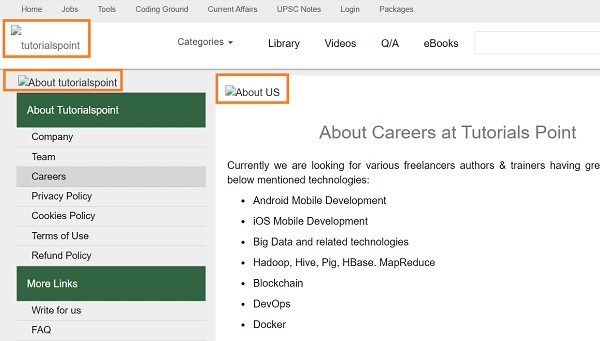
让我们尝试从以下页面禁用图片 −

示例
代码实现。
import org.openqa.selenium.By;
import org.openqa.selenium.chrome.ChromeDriver;
import org.openqa.selenium.chrome.ChromeOptions;
import java.util.HashMap;
import java.util.Map;
public class ImageDisable {
   public static void main(String[] args) throws IOException {
      System.setProperty("webdriver.chrome.driver", "C:\Users\ghs6kor\Desktop\Java\chromedriver.exe");
      Map<String, Object> p = new HashMap<String, Object>();
      // 禁用图片的浏览器设置
      p.put("profile.managed_default_content_settings.images", 2);
      // 添加到浏览器的功能
      ChromeOptions opt = new ChromeOptions();
      opt.setExperimentalOption("prefs", p);
      // 将所需功能与浏览器关联
      WebDriver driver = new ChromeDriver(opt);
      driver.get("https://www.tutorialspoint.com/about/about_careers.htm");
   }
}
输出