如何使用 Selenium WebDriver 获取文本框中输入的文本?
seleniumautomation testingtesting tools
我们可以使用 Selenium WebDriver 获取文本框中输入的文本。首先,我们需要使用 `sendKeys` 方法在文本框中输入文本(在通过定位器识别文本框之后)。
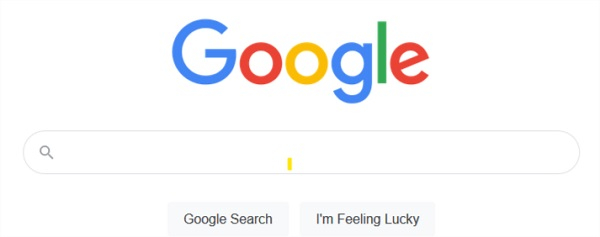
然后,使用 `getAttribute` 方法获取该字段中输入的文本,并将参数值传递给该方法。让我们尝试获取 Google 搜索框中输入的值:
语法
WebElement m = driver.findElement(By.name("q"));
String st = m.getAttribute("value");
示例
import org.openqa.selenium.By;
import org.openqa.selenium.WebDriver;
import org.openqa.selenium.WebElement;
import org.openqa.selenium.firefox.FirefoxDriver;
import java.util.concurrent.TimeUnit;
public class GetTextTyped{
   public static void main(String[] args) {
      System.setProperty("webdriver.gecko.driver",
"C:\Users\ghs6kor\Desktop\Java\geckodriver.exe");
      WebDriver driver = new FirefoxDriver();
      //隐式等待
      driver.manage().timeouts().implicitlyWait(5, TimeUnit.SECONDS);
      //URL 启动
      driver.get("https://www.google.com/");
      // 识别元素
      WebElement t =driver.findElement(By.name("q"));
      t.sendKeys("Tutorialspoint");
      // 使用 getAttribute 获取值
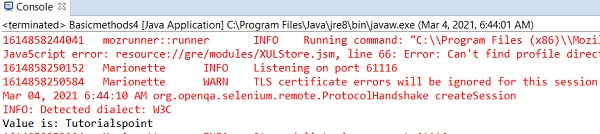
      System.out.println("Value is: " + t.getAttribute("value"));
      driver.quit();
   }
}
输出