PyGTK - Hello World
使用 PyGTK 创建窗口非常简单。 要继续,我们首先需要在我们的代码中导入 gtk 模块。
import gtk
gtk 模块包含 gtk.Window 类。 它的对象构造了一个顶层窗口。 我们从 gtk.Window 派生一个类。
class PyApp(gtk.Window):
定义构造器并调用 gtk.window 类的 show_all() 方法。
def __init__(self):
   super(PyApp, self).__init__()
   self.show_all()
我们现在必须声明这个类的对象,并通过调用它的 main() 方法来启动一个事件循环。
PyApp()
gtk.main()
建议我们在父窗口中添加一个"Hello World"标签。
label = gtk.Label("Hello World")
self.add(label)
以下是显示"Hello World"的完整代码 −
import gtk

class PyApp(gtk.Window):
   def __init__(self):
      super(PyApp, self).__init__()
      self.set_default_size(300,200)
      self.set_title("Hello World in PyGTK")
      label = gtk.Label("Hello World")
      self.add(label)
      self.show_all()
PyApp()
gtk.main()
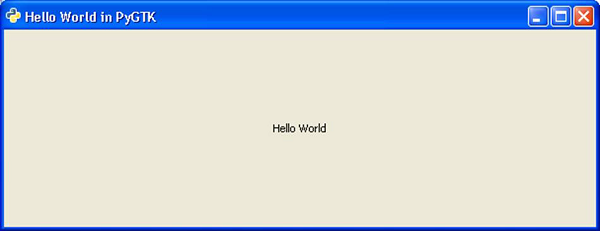
以上代码的执行会产生如下输出 −