WebAssembly - 将 WAT 转换为 WASM
在上一章中,我们已经了解了如何以 .wat(即 WebAssembly 文本格式)编写代码。 WebAssembly 文本格式不能直接在浏览器中工作,您需要将其转换为二进制格式,即 WASM 才能在浏览器中工作。
WAT 到 WASM
让我们将 .WAT 转换为 .WASM。
我们要使用的代码如下 −
(module
   (func $add (param $a i32) (param $b i32) (result i32)
      get_local $a
      get_local $b
      i32.add
   )
   (export "add" (func $add))
)
现在,转到 WebAssembly Studio,可在 https://webassembly.studio/ 处找到。
当您点击链接时,您应该会看到类似这样的内容 −
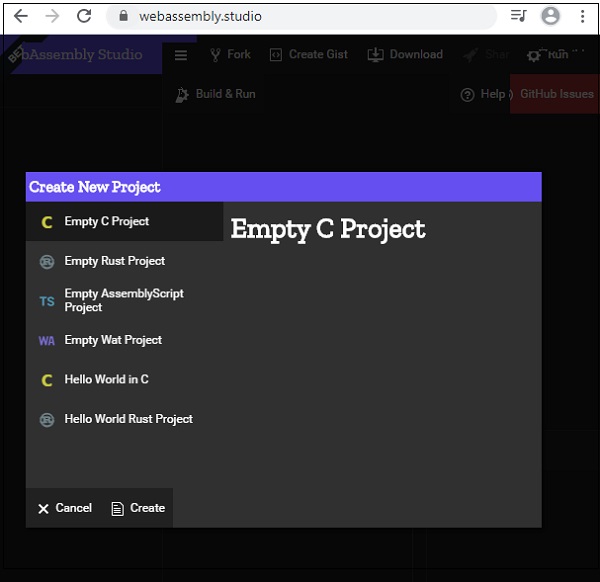
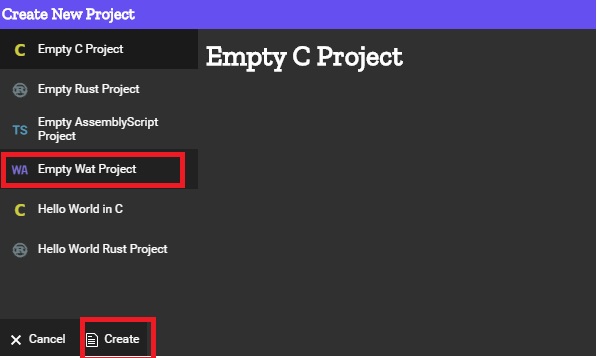
单击"Empty Wat"项目,然后单击底部的"创建"按钮。
它将带您到一个空项目,如下所示 −
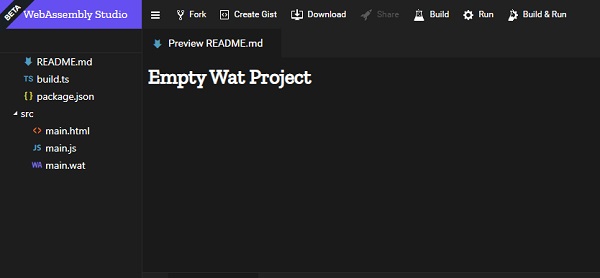
单击 main.wat 并将现有代码替换为您的代码,然后单击"保存"按钮。
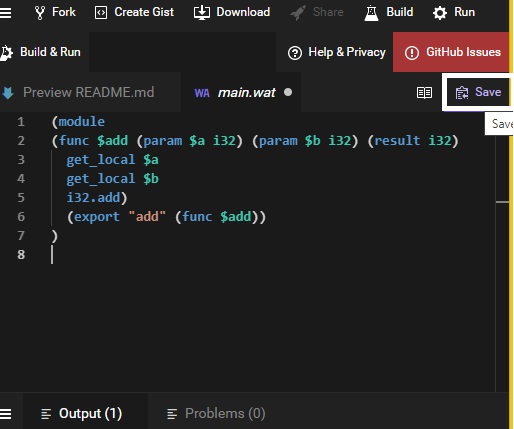
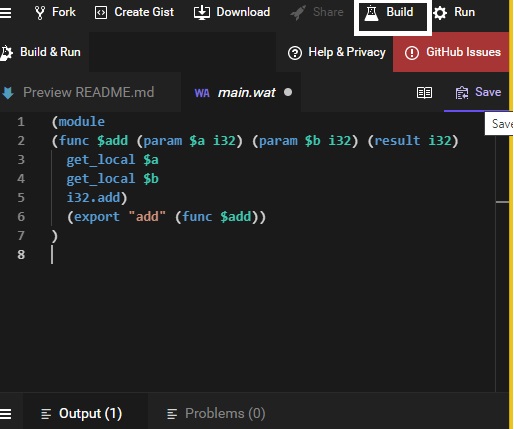
保存后,单击构建以转换为 .wasm −
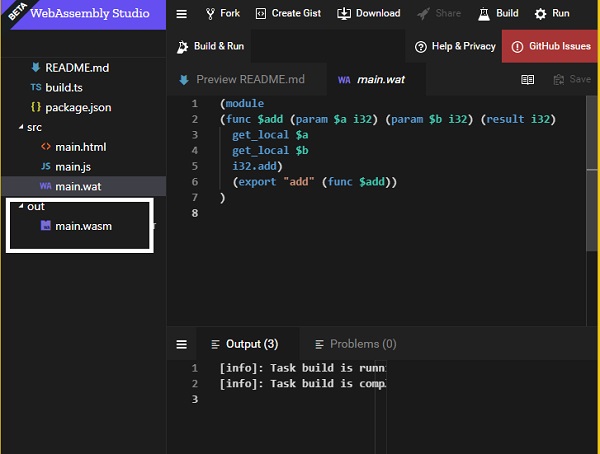
如果构建成功,您应该会看到创建的 .wasm 文件,如下所示 −
下载 main.wasm 文件并在 .html 文件中使用它来查看输出,如下所示。
例如 − add.html
<!doctype html>
<html>
   <head>
      <meta charset="utf-8">
      <title>WebAssembly Add Function</title>
   </head>
   <body>
      <script>
         let sum;
         fetch("main.wasm")
            .then(bytes => bytes.arrayBuffer())
            .then(mod => WebAssembly.compile(mod)) .then(module => {

            return new WebAssembly.Instance(module)
         })
         .then(instance => {
            sum = instance.exports.add(10,40);
            console.log("The sum of 10 and 40 = " +sum);
         });
      </script>
   </body>
</html>
函数add被导出,如代码所示。 传递的参数是 2 个整数值 10 和 40,它返回它们的总和。
输出
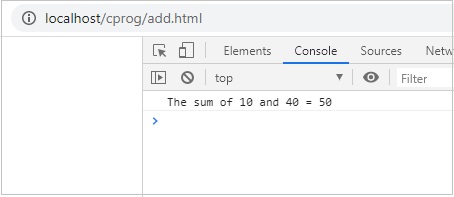
输出显示在浏览器中。