Selenium IDE 可以支持 Google Chrome 浏览器吗?
seleniumautomation testingtesting tools更新于 2026/2/2 13:37:17
Selenium IDE 最初是作为 Firefox 插件使用的。但最新版本的 Selenium IDE 同时支持 Chrome 和 Firefox。如需在 Chrome 中安装,请导航至以下链接 −
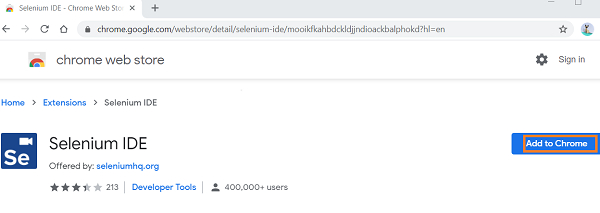
ttps://chrome.google.com/webstore/detail/seleniumide/mooikfkahbdckldjjndioackbalphokd
然后点击添加到 Chrome。
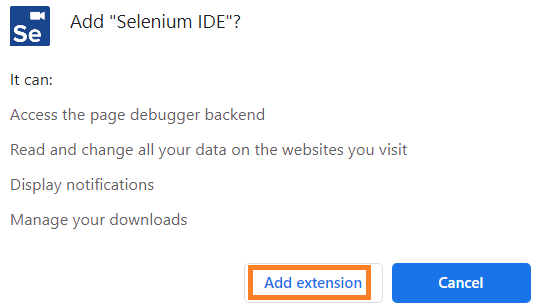
点击添加扩展程序。
安装完成后,我们将收到如下图所示的消息 −
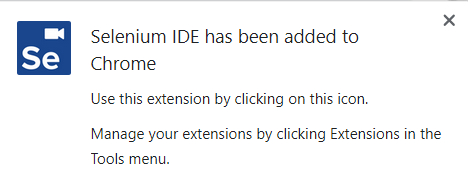
菜单栏中还会创建一个图标。

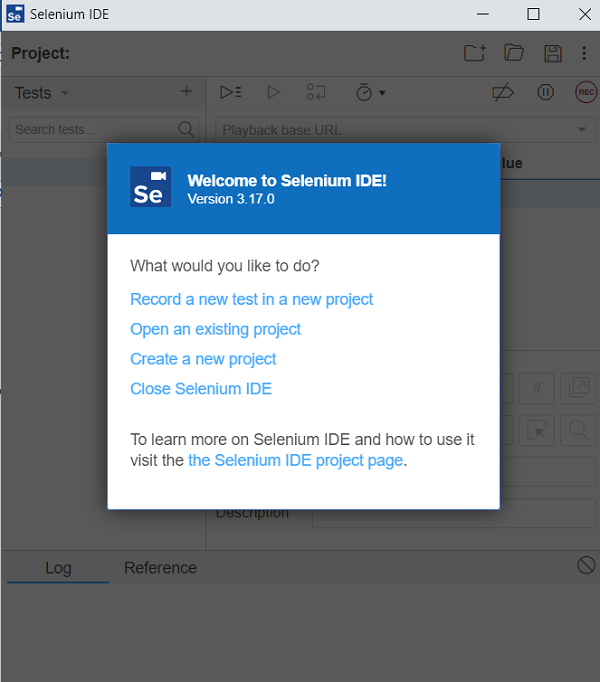
点击该图标, Selenium IDE 会启动并显示以下欢迎屏幕。