
如何在 Ruby 中使用 Selenium?
seleniumautomation testingtesting tools
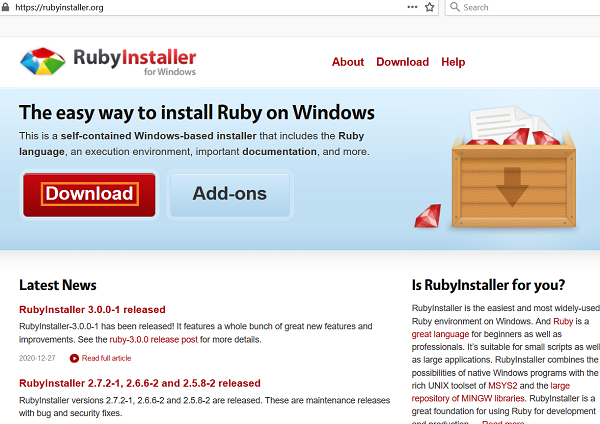
我们可以在 Ruby 中使用 Selenium。首先,我们需要在系统中安装 Ruby。在 Windows 系统中,我们需要借助 RubyInstaller 包,导航至链接 −
点击下载。
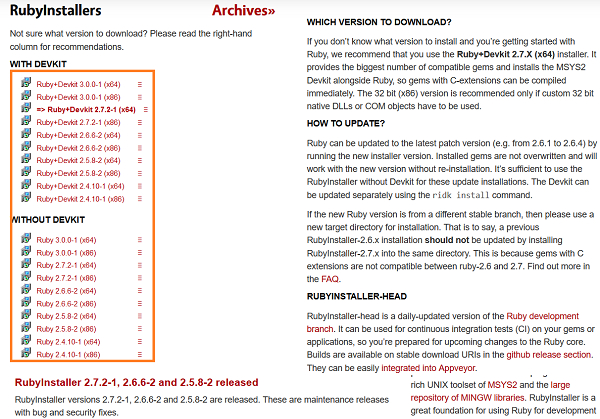
屏幕上会显示各种版本的 Ruby 安装程序链接。选择最新版本并点击。
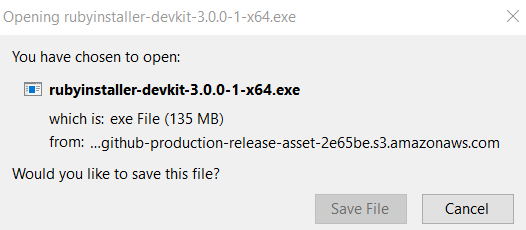
点击保存文件按钮下载相应的 rubyinstaller.exe 文件。
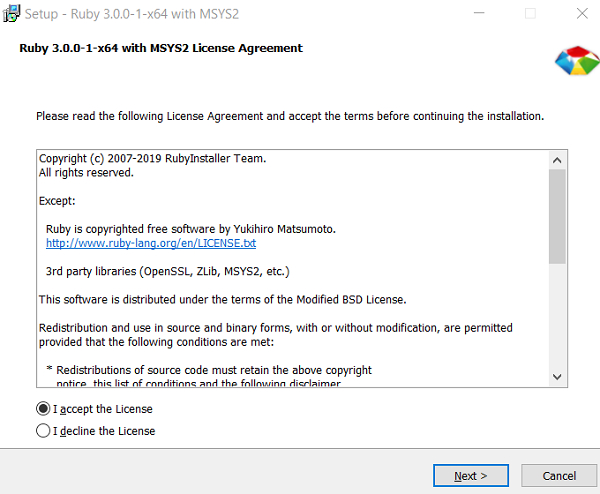
下载完成后,接受许可协议并继续下一步,直至安装完成。
要获取 Ruby 的 Selenium webdriver 包,请运行命令 −
gem install selenium−webdriver
要获取 Ruby 的 Rest−Client 包,请运行命令 −
gem install rest−client
要获取 Ruby 的 test−unit 包,请运行命令 −
gem install test−unit
示例
#为 Selenium 设置 webdriver gem
require "selenium−webdriver"
require "rubygems"
#创建驱动程序对象
driver = Selenium::WebDriver.for :chrome
#启动浏览器
driver.navigate.to "https://www.tutorialspoint.com/index.htm"
#关闭浏览器
driver.close

