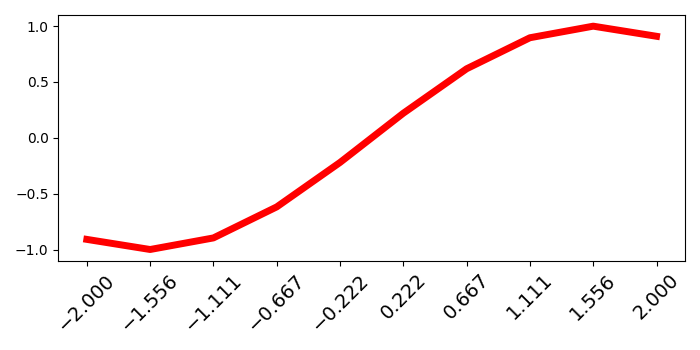
如何更改 Matplotlib 中轴对象刻度的字体大小?
matplotlibserver side programmingprogramming更新于 2025/4/29 5:37:17
要更改 matplotlib 中轴对象刻度的字体大小,我们可以采取以下步骤 −
使用 numpy 创建 x 和 y 数据点。
使用 subplots() 方法创建一个图形和一组子图 (fig and ax)。
使用 plot() 方法绘制 x 和 y 数据点,颜色 = 红色,线宽 = 5。
使用 x 数据点设置 xticks 。
使用获取主要刻度列表get_major_ticks() 方法。
迭代主刻度(从步骤 5 开始),设置字体大小并将其旋转 45 度。
要显示图形,请使用 show() 方法。
示例
import numpy as np
from matplotlib import pyplot as plt
plt.rcParams["figure.figsize"] = [7.00, 3.50]
plt.rcParams["figure.autolayout"] = True
x = np.linspace(-2, 2, 10)
y = np.sin(x)

fig, ax = plt.subplots()

ax.plot(x, y, c='red', lw=5)
ax.set_xticks(x)
for tick in ax.xaxis.get_major_ticks():
   tick.label.set_fontsize(14)
   tick.label.set_rotation('45')

plt.tight_layout()

plt.show()
输出