
如何在 Selenium Webdriver 2 Python 中获取当前 URL?
seleniumautomation testingtesting tools更新于 2026/2/11 11:52:17
我们可以使用 Selenium Webdriver 获取页面的当前 URL。 current_url 方法可用于获取当前页面的 URL,然后我们可以在控制台中打印结果。
语法
s = driver.current_url
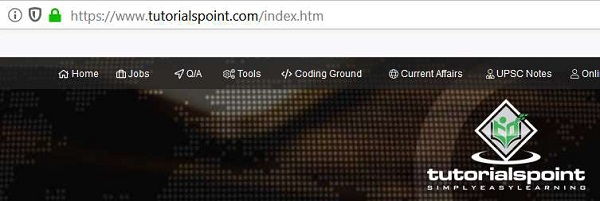
让我们找到当前导航页面的 URL,我们将得到 https://www.tutorialspoint.com/index.htm 作为输出。
示例
from selenium import webdriver
driver = webdriver.Chrome(executable_path="C:\chromedriver.exe")
driver.implicitly_wait(0.5)
driver.get("https://www.tutorialspoint.com/index.htm")
#identify current URL with current_url
l= driver.current_url
print(Current URL is: " + l)
driver.close()
输出


