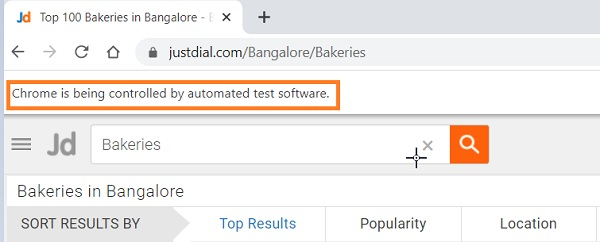
如何在 Selenium 中处理 Chrome 通知?
seleniumautomation testingtesting tools
我们可以在 Selenium WebDriver 中处理 Chrome 通知。这些通知通常被称为 Web 推送通知,可以使用 ChromeOptions 类进行处理。下图显示了来自 Chrome 浏览器的通知。
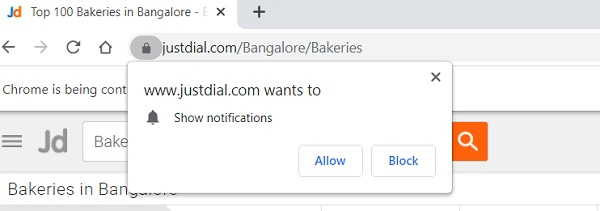
我们需要创建一个 ChromeOptions 类的对象,并调用其 addArguments 方法。将参数 `--disable-notifications` 作为参数传递给此方法。最后,将此信息发送给 ChromeDriver。
语法
ChromeOptions o = new ChromeOptions();
o.addArguments("--disable-notifications");
示例
import org.openqa.selenium.By;
import org.openqa.selenium.chrome.ChromeDriver;
import org.openqa.selenium.chrome.ChromeOptions;
import org.openqa.selenium.WebDriver;
public class NotificationChrome {
   public static void main(String[] args) throws IOException {
      //ChromeOptions 对象
      ChromeOptions o = new ChromeOptions();
      //设置浏览器选项 o.addArguments("--disable-notifications");
      System.setProperty("webdriver.chrome.driver",
         "C:\Users\ghs6kor\Desktop\Java\chromedriver.exe");
      // 将浏览器选项传递给 WebDriver
      WebDriver driver = new ChromeDriver(o);
      //隐式等待
      driver.manage().timeouts().implicitlyWait(5, TimeUnit.SECONDS);
      //URL 启动
      driver.get("https://www.justdial.com/Bangalore/Bakeries");
   }
}
输出