React Native - Alert
在本章中,我们将了解如何创建自定义 Alert 组件。
步骤 1:App.js
import React from 'react'
import AlertExample from './alert_example.js'

const App = () => {
   return (
      <AlertExample />
   )
}
export default App
步骤 2:alert_example.js
我们将创建一个按钮来触发 showAlert 函数。
import React from 'react'
import { Alert, Text, TouchableOpacity, StyleSheet } from 'react-native'

const AlertExample = () => {
   const showAlert = () =>{
      Alert.alert(
         'You need to...'
      )
   }
   return (
      <TouchableOpacity onPress = {showAlert} style = {styles.button}>
         <Text>Alert</Text>
      </TouchableOpacity>
   )
}
export default AlertExample

const styles = StyleSheet.create ({
   button: {
      backgroundColor: '#4ba37b',
      width: 100,
      borderRadius: 50,
      alignItems: 'center',
      marginTop: 100
   }
})
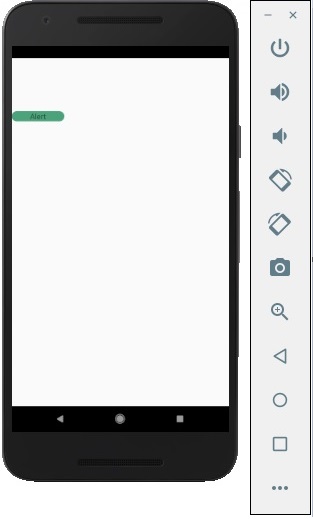
输出
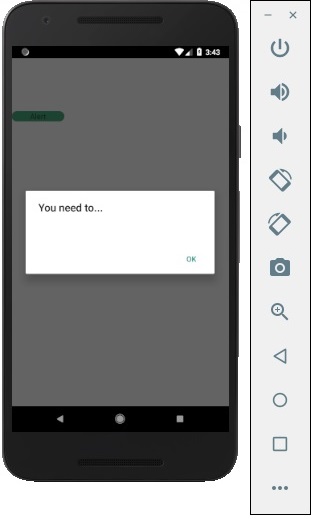
单击按钮时,您将看到以下 −