
ReactJS - testInstance.findAll() 方法
函数 testInstance.findAll(test) 是可能存在于编程上下文中的方法的合成或一般图像。testInstance 表示程序中的实例或对象。术语"testInstance"只是一个占位符,应将其更改为我们正在处理的实例的真实名称。可以在 testInstance 对象上调用 findAll 方法或函数。这意味着我们想要根据特定条件定位或收集某些内容。
语法
testInstance.findAll(test)
参数
test − 作为参数,我们传递了另一个名为 test 的函数。这是我们代码中其他地方定义的函数。此函数检查集合中每个项目是否满足特定条件。
返回值
findAll 方法返回一个集合,如数组、列表或其他数据结构,其中包含 testInstance 中满足测试函数中定义的条件的所有项目。
示例
示例 − 过滤待办事项列表
首先,我们将创建一个应用程序,其中将有一个 TodoList 组件。此组件提供了一个简单的待办事项列表,能够根据用户输入过滤和显示已完成或未完成的待办事项。因此,此应用程序的代码如下 −
TodoList.js
import React, { useState } from 'react';

const TodoList = ({ todos }) => {
   const [showCompleted, setShowCompleted] = useState(false);

   // findAll method
   const findAll = (testFunction) => (todos || []).filter(testFunction);

   const test = (todo) => {
      return showCompleted ? todo.completed : !todo.completed;
   };

   const filteredTodos = findAll(test);

   return (
      <div>
         <label>
         <input
            type="checkbox"
            checked={showCompleted}
            onChange={() => setShowCompleted(!showCompleted)}
         />
            Show Completed
         </label>
         <ul>
            {filteredTodos.map((todo) => (
               <li key={todo.id}>{todo.text}</li>
            ))}
         </ul>
      </div>
   );
};

export default TodoList;
输出
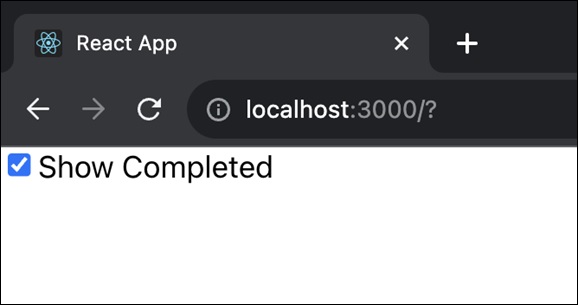
该组件显示一个复选框,允许我们在显示已完成和未完成的任务之间进行选择。然后,筛选后的待办事项将显示在无序列表中。
示例 − 筛选产品应用
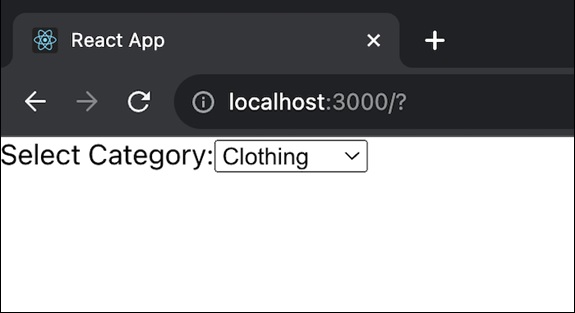
在此示例中,我们将创建一个 ProductList 组件。此组件提供一个简单的产品列表,能够根据所选类别筛选和显示产品。用户可以从下拉列表中选择一个类别,列表会相应更新。
ProductList.js
import React, { useState } from 'react';

const ProductList = ({ products }) => {
   const [selectedCategory, setSelectedCategory] = useState('all');

   // findAll method
   const findAll = (testFunction) => (products || []).filter(testFunction);

   const test = (product) => {
      return selectedCategory === 'all' || product.category === selectedCategory;
   };

   const filteredProducts = findAll(test);

   return (
      <div>
         <label>
            Select Category:
            <select
               value={selectedCategory}
               onChange={(e) => setSelectedCategory(e.target.value)}
            >
               <option value="all">All</option>
               <option value="electronics">Electronics</option>
               <option value="clothing">Clothing</option>
            </select>
         </label>
         <ul>
            {filteredProducts.map((product) => (
               <li key={product.id}>{product.name}</li>
            ))}
         </ul>
      </div>
   );
};

export default ProductList;
输出
示例 − 过滤用户列表
在此应用中,UserList 是一个功能组件,它接受名为 users 的 prop 以及用户项数组。findAll 方法根据提供的 testFunction 过滤用户。它检查用户是否未定义或为空,并在这些情况下使用空数组。测试函数用作过滤条件。它检查是否显示活跃用户(showActive === true)或不活跃用户。
UserList.js
import React, { useState } from 'react';

const UserList = ({ users }) => {
   const [showActive, setShowActive] = useState(true);

   // findAll method
   const findAll = (testFunction) => (users || []).filter(testFunction);

   const test = (user) => {
      return showActive ? user.status === 'active' : user.status === 'inactive';
   };

   const filteredUsers = findAll(test);

   return (
      <div>
         <label>
            <input
               type="checkbox"
               checked={showActive}
               onChange={() => setShowActive(!showActive)}
            />
            Show Active Users
         </label>
         <ul>
            {filteredUsers.map((user) => (
               <li key={user.id}>{user.name}</li>
            ))}
         </ul>
      </div>
   );
};

export default UserList;
输出
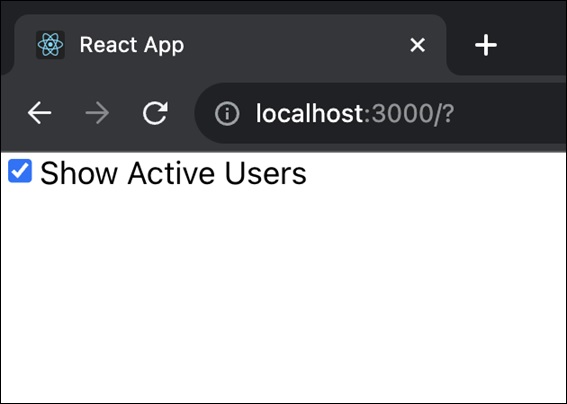
总体而言,此组件提供了一个简单的用户列表,可以根据活跃/不活跃状态进行过滤和显示。用户可以切换复选框以显示活跃或不活跃的用户。
总结
findAll 方法提供了一种方便的方法,可以根据测试函数中定义的特定条件从更大的集合中过滤和收集项目。实际结果是一个新的集合,仅包含通过测试的项目。因此,我们已经看到不同的应用程序使用此功能来获得此方法在测试中的实际曝光。
 reactjs_reference_api.html
