
ReactJS - testInstance.type 属性
React JS 库就是将程序划分为多个组件。每个组件都有独特的生命周期。React 提供了一些内置方法,我们可以在组件生命周期的各个点重写这些方法。
因此,在本教程中,我们将学习如何使用 testInstance.type 属性。此属性用于获取与测试实例相关的组件类型。
语法
testInstance.type
让我们通过一个例子来了解这个属性。当开发人员在代码中使用 testInstance.type 时,他们是在要求计算机告诉他们正在处理哪种部件。这对于确保软件运行顺畅并按预期执行非常重要。
例如,像 button.type 这样的代码项表明开发人员想要知道程序中按钮的类型。然后计算机将回答类似"按钮"的内容,帮助开发人员更好地理解和管理他们的代码。
返回值
testInstance.type 返回计算机程序组件的类型或种类。简而言之,它为开发人员提供有关应用程序元素的信息。
示例
示例 − DivTypeApp
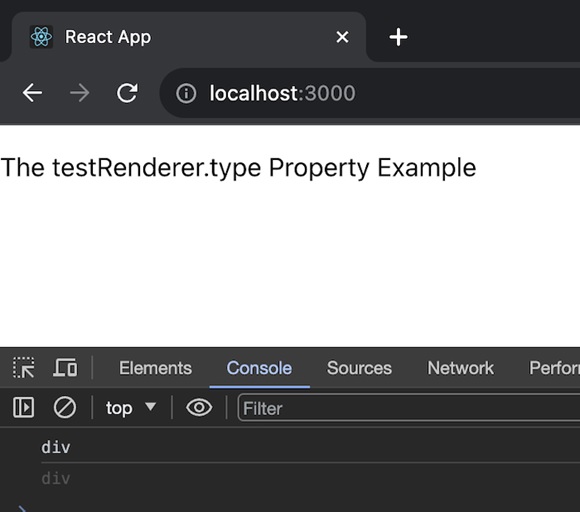
在此应用中,我们将使用 TestRenderer 创建一个简单的 React 组件(一个 <div> 元素)并将其类型记录到控制台。JSX 返回是一个基本段落元素,显示 testRenderer.type 属性的示例。请参阅下面此应用的代码 −
import React from 'react';
import TestRenderer from 'react-test-renderer';

// 定义我们的 DivTypeApp 组件
const DivTypeApp = () => {

   // 演示 TestRenderer.type 属性的函数
   function testFunction() {
      const renderer = TestRenderer.create(
         <div>The testRenderer.type Property</div>
      );
      const mytype = renderer.root;
      console.log(mytype.type);
   }

   testFunction();

   // 返回我们的 JSX 代码
   return <>
      <p>
         The testRenderer.type Property Example
      </p>
   </>;
}

export default DivTypeApp;
输出
示例 − ButtonTypeApp
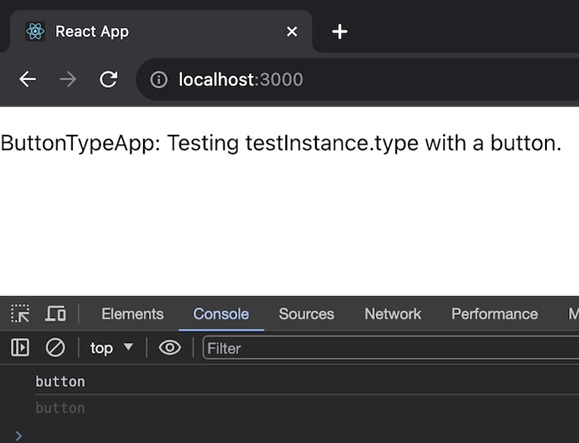
在此应用中,我们将使用 TestRenderer 创建一个 React 组件(按钮元素),然后将其类型记录到控制台。JSX 返回是一个简单的段落元素,显示 testRenderer.type 属性的示例。因此,下面给出了相同的代码 −
import React from 'react';
import TestRenderer from 'react-test-renderer';

const ButtonTypeApp = () => {
   function testButtonType() {
      const renderer = TestRenderer.create(
         <button>Click me</button>
      );
      const buttonType = renderer.root;
      console.log(buttonType.type);
   }

   testButtonType();

   return (
      <>
         <p>ButtonTypeApp: Testing testInstance.type with a button.</p>
      </>
   );
};

export default ButtonTypeApp;
输出
示例 − HeadingTypeApp
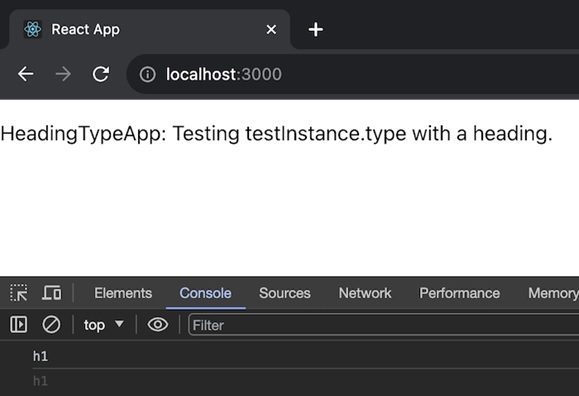
在此应用中,我们将使用 TestRenderer 创建一个 React 组件(<h1> 标题),将其类型记录到控制台(在本例中为"h1"),并返回带有说明性段落的 JSX 结构。这是使用标题元素测试 testInstance.type 属性的基本示例。以下是此应用的代码 −
import React from 'react';
import TestRenderer from 'react-test-renderer';

const HeadingTypeApp = () => {
   function testHeadingType() {
      const renderer = TestRenderer.create(
         <h1>Hello, TestInstance!</h1>
      );
      const headingType = renderer.root;
      console.log(headingType.type); // Output: "h1"
   }

   testHeadingType();

   return (
      <>
         <p>HeadingTypeApp: Testing testInstance.type with a heading.</p>
      </>
   );
};

export default HeadingTypeApp;
输出
摘要
testInstance.type 类似于在计算机程序中将名称标签放在不同的拼图块上。它可以帮助开发人员了解和组织他们的代码,使计算机更容易理解每个组件应该执行的操作。正如我们使用 testInstance.type 属性创建了三个不同的示例。通过练习这些示例,我们可以了解它的实际用途。
 reactjs_reference_api.html
